Goldlilys Media Logo

Ultimate Website Redesign Checklist: From Brand to Beta

Key Takeaways

When is the right time to redesign a website?

It’s time for a redesign when your website no longer reflects your brand, feels outdated, or fails to convert visitors. Common signs include slow performance, poor mobile experience, or a disconnect between your current mission and your online presence.

What should a complete website redesign include?

A successful redesign goes beyond visuals. It should start with brand clarity, followed by updated content, improved user experience, SEO optimization, and accessibility. The process moves from defining your identity to launching and testing a site that supports your long-term goals.

How can I make sure my website redesign actually improves results?

Begin with clear goals, like increasing engagement or conversions, and track metrics after launch. Work with a developer who focuses on both aesthetics and functionality to ensure your redesigned site isn’t just beautiful, but strategic, scalable, and built to perform.

“The best way to predict the future is to create it.” – Peter Drucker

Redesigning your website is an opportunity to enhance its functionality, improve user experience, and better communicate your mission to your audience. Your website should function as a dynamic tool to engage visitors, provide valuable information, and support your organizational goals.

Whether you’re in Culture & Education, Life Science & Technology, Health & Wellness, Nonprofits, Performing Arts, or Travel & Tourism, this checklist will guide you through a stress-free website redesign using our proven Brand, Build, and Beta phases.

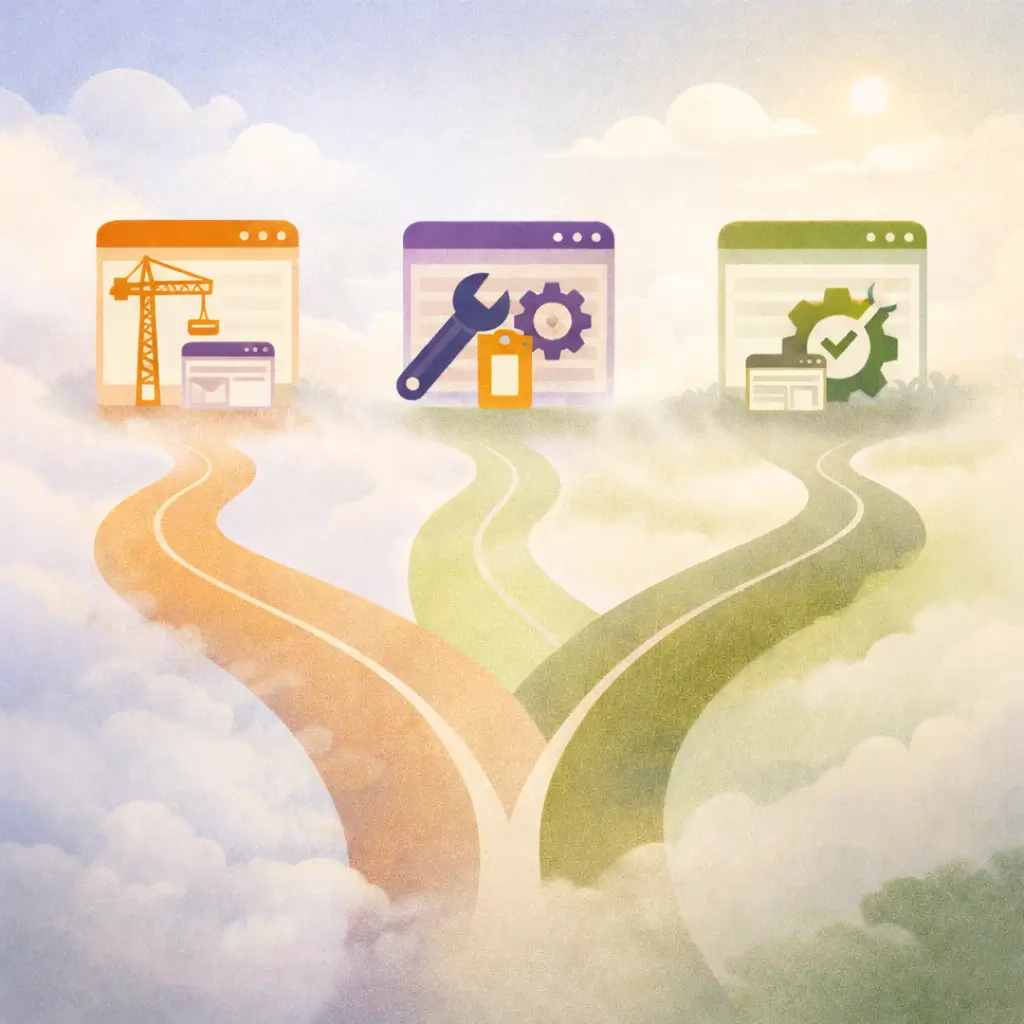
Website Redesign Brand and Visual Identity

1. BRAND: Shape Your Identity

A successful website redesign starts with a clear understanding of your brand. This phase is about defining who you are, what you stand for, and how to connect with your audience. Here’s what to do:

Checklist for the Brand Phase:

  • Conduct a Brand Discovery Session: Identify your mission, vision, and unique value proposition
  • Define Your Audience Personas: Understand their needs, challenges, and what motivates them to engage
  • Audit Your Current Website: What’s working? What’s outdated? Identify gaps in content, design, and functionality
  • Craft Your Messaging: Develop clear, consistent, and persuasive messaging that reflects your brand’s voice
  • Plan Visual Identity Updates: Refresh your color palette, fonts, and imagery to align with your mission

Pro Tip:

Your brand is the foundation for your website’s design and functionality. Skipping this phase is like building a house without a blueprint.

Build Phase of the Website Masterpiece Journey Process

2. BUILD: Bring Your Vision to Life

Once you’ve defined your brand, it’s time to turn it into a functional, engaging website. The Build phase focuses on creating a strong foundation, structured framework, and polished final touches.

Checklist for the Build Phase:

  • Foundation:
    • Choose secure hosting and ensure SSL is in place
    • Set up scalable infrastructure to support future growth
    • Prioritize site speed and mobile responsiveness
  • Framework:
    • Develop a user-friendly navigation structure
    • Optimize page layouts for readability and flow
    • Integrate accessibility features to ensure inclusivity
  • Furnishings:
    • Add interactive features like donation buttons, event calendars, or booking systems
    • Upload engaging visuals and high-quality content
    • Implement a CMS (Content Management System) for easy updates

Pro Tip:

A great website is not just about looking good—it’s about seamless functionality. Every element should serve a purpose.

Beta Phase of the Website Masterpiece Journey Process

3. BETA: Perfect and Launch

The Beta phase is all about ensuring your new website is ready for the world. This includes testing, tracking, and training.

Checklist for the Beta Phase:

  • Testing:
    • Conduct usability tests to identify bugs or user friction
    • Test across multiple browsers and devices for compatibility
    • Check page load speeds and resolve slow-loading issues
  • Tracking:
    • Set up Google Analytics and other tracking tools
    • Optimize on-page SEO, including meta tags, keywords, and alt text
    • Monitor user behavior to refine and improve
  • Training:
    • Train your team on how to update the website through the CMS
    • Provide guidance on using analytics tools for performance tracking
    • Establish a plan for ongoing maintenance to keep the site secure and up-to-date

Pro Tip:

A website redesign doesn’t stop at launch. Regular tracking and maintenance ensure long-term success.

Work With Us to Redesign Your Website

By following the Brand, Build, and Beta phases, you can transform your website into a valuable resource that supports your audience and achieves your goals. Whether you’re in Culture & Education, Life Science & Technology, Health & Wellness, Nonprofits, Performing Arts, or Travel & Tourism, this approach ensures a thoughtful and effective redesign.

Take these steps to ensure your next website redesign is thoughtful, effective, and impactful.

“Success usually comes to those who are too busy to be looking for it.” – Henry David Thoreau

fgo
Author Bio

Frances Naty Go is the founder of Goldlilys Media, where she helps mission-driven organizations turn their websites into clear, durable systems that support meaningful work over time. She works with museums, nonprofits, health and wellness brands, higher education, life sciences, travel organizations, and expert-led businesses.

With a background in Computer Science from UC San Diego, Frances brings a thoughtful, strategic approach to building digital experiences that educate, orient, and build trust, without unnecessary complexity.

Categories: * * *
15 Warning Signs Your Website Is Holding You Back Cover

15 Warning Signs Your Website Is Holding You Back

The most costly website problems aren’t obvious.

They show up as hesitation, doubt, and missed opportunities.

This checklist helps you see what visitors experience, before they decide whether to trust you.
Still Using Wix or Squarespace? That Might Be Costing You More Than You Think Cover

When Wix or Squarespace No Longer Fits

Template platforms often make sense early on.

Growth is where their limits start to matter.

This guide helps you assess whether your website still supports where you’re headed.

Related Articles

Imagine your website as amasterpiecebuilt for what comes next.

Thoughtful insights for leaders who want their website decisions to support growth, usability, and long-term confidence, without constant rebuilding or second-guessing.
Frances on her cellphone looking right and smiling
performance optimization
create a website masterpiece
Frances Go standing by the Prado with a big smile holding a Michelangelo maroon book and artworks behind her

Let’s talk about fit

Book a short conversation to discuss where you’re headed and whether your website still supports it.
Still Using Wix or Squarespace? That Might Be Costing You More Than You Think Cover

Does your website still fit where you’re headed?

A short guide to help you assess whether your current setup supports what comes next.
15 Warning Signs Your Website Is Holding You Back Cover

See what’s quietly getting in the way

A short checklist to help you identify subtle website issues that affect trust, traffic, and action.

Wait! Before you go...

Not ready to commit yet?
I get it.

Get my free guide:

"15 Warning Signs Your Website Is Holding You Back"