
San Diego History Center
The situation, before
In 2017, the San Diego History Center’s website ran on unsupported Drupal 6. The site relied on a massive 20+GB legacy database. Decades of historical archives and complex content links were locked inside this old system. The institution needed a modern website that reflected its future.
Staff found the site frustrating to use. As a result, they rarely updated it. Over time, both the content and the design fell behind the History Center’s actual work. As one of San Diego’s oldest cultural institutions, the museum serves many distinct audiences. This includes visitors planning trips to Balboa Park, donors, researchers, and educators. The old site was failing all of them.
The real problem diagnosed
The visible complaint was an outdated website. The actual problem was an unsupported platform and a backend structure that discouraged staff updates.
When a website is hard to update, people avoid it. Content goes stale. Exhibitions and events stop appearing on time. The design falls further behind. A new look on the old platform was not an option because Drupal 6 was no longer maintained. The real fix was a supported platform the staff could use with confidence.
What was at stake
The website is the first point of contact for a museum.
- When it falls behind, visitors see past exhibitions instead of current ones
- Members and donors see less evidence of the museum’s daily activity
- Researchers and educators struggle to find what they need
Running on an unsupported platform also exposed the site to severe security risks. Left unaddressed, these problems would grow every year.
The path forward
A patch or redesign could not solve the problem because the platform had reached end of life. The decision was to rebuild the site on WordPress with a modern structure. The new design focused on two main goals. First, it needed to help each audience find what it needs. Second, it needed to make updates easy enough that staff would actually make them.
What was built
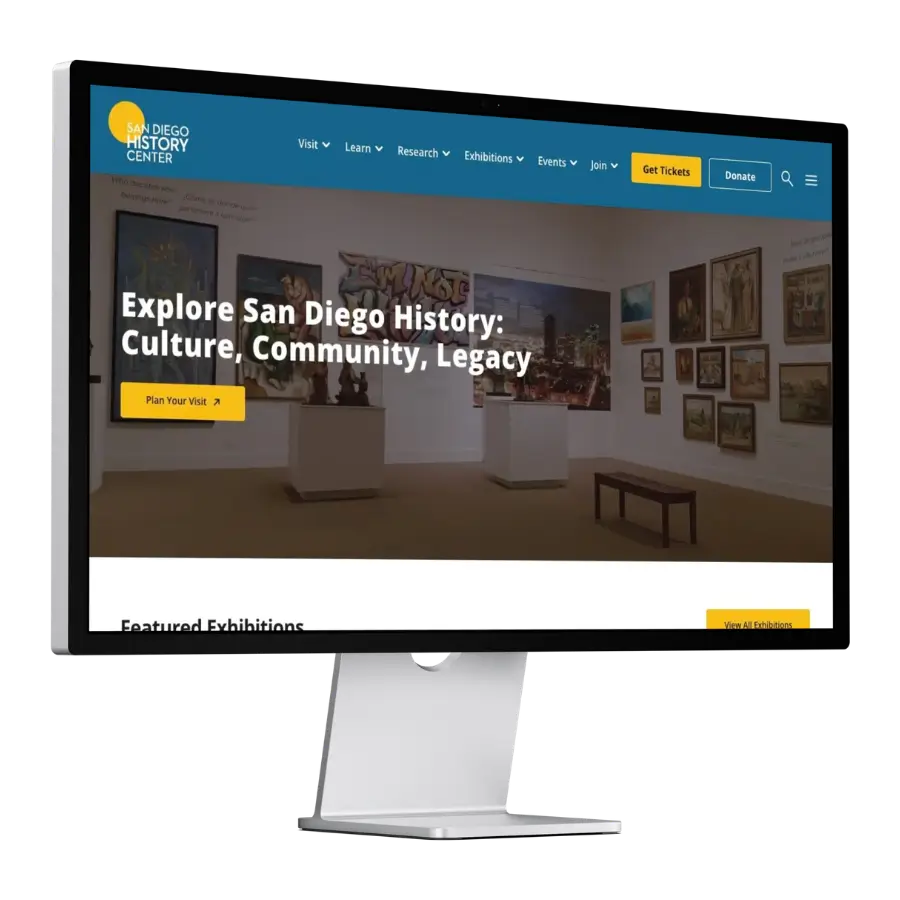
A new WordPress website replaced the unsupported Drupal 6 site. We organized it around how the History Center’s content and audiences work:
- A custom command-line migration pipeline to safely move the 20+GB database without crashing the server or losing historical records
- A clear content structure for exhibitions, events, and collections so staff can add new items in a consistent format
- A membership portal that gives members and supporters a dedicated place on the site
- Internal staff resources that bring day-to-day materials into the same system used to manage the public website
- Divi builder so staff can create and edit custom pages visually without writing code
- Hands-on staff training after launch so the team could manage the site with confidence
Decision logic
A lighter fix was not available. Drupal 6 was no longer supported, which meant accepting growing security risks. Furthermore, standard migration plugins would fail on a 20+GB database. We had to use direct command-line queries to move the complex data safely. WordPress provided a clear content structure and a visual page builder. This gave the staff an editing experience they could manage on their own. It addressed the root cause of the problem, not just the visual symptoms.
Longevity insight: “A website stays current when the people responsible for it find it easy to use. If staff avoid updating it, no design will stay fresh for long.”
Results
The staff previously avoided updating the old site. Now, they have maintained the new one themselves since launch. Nine years on one foundation. Built in 2017, the site has been managed entirely by the History Center’s own staff since launch, with no developer needed for routine updates.
What comes next
The History Center operates its website independently. They add exhibitions, events, and collections through the structure built in 2017. This was the intended outcome. The institution completely owns its website and keeps it current without depending on an outside developer.