“Great design is a multi-layered relationship between human life and technology.” – Paola Antonelli
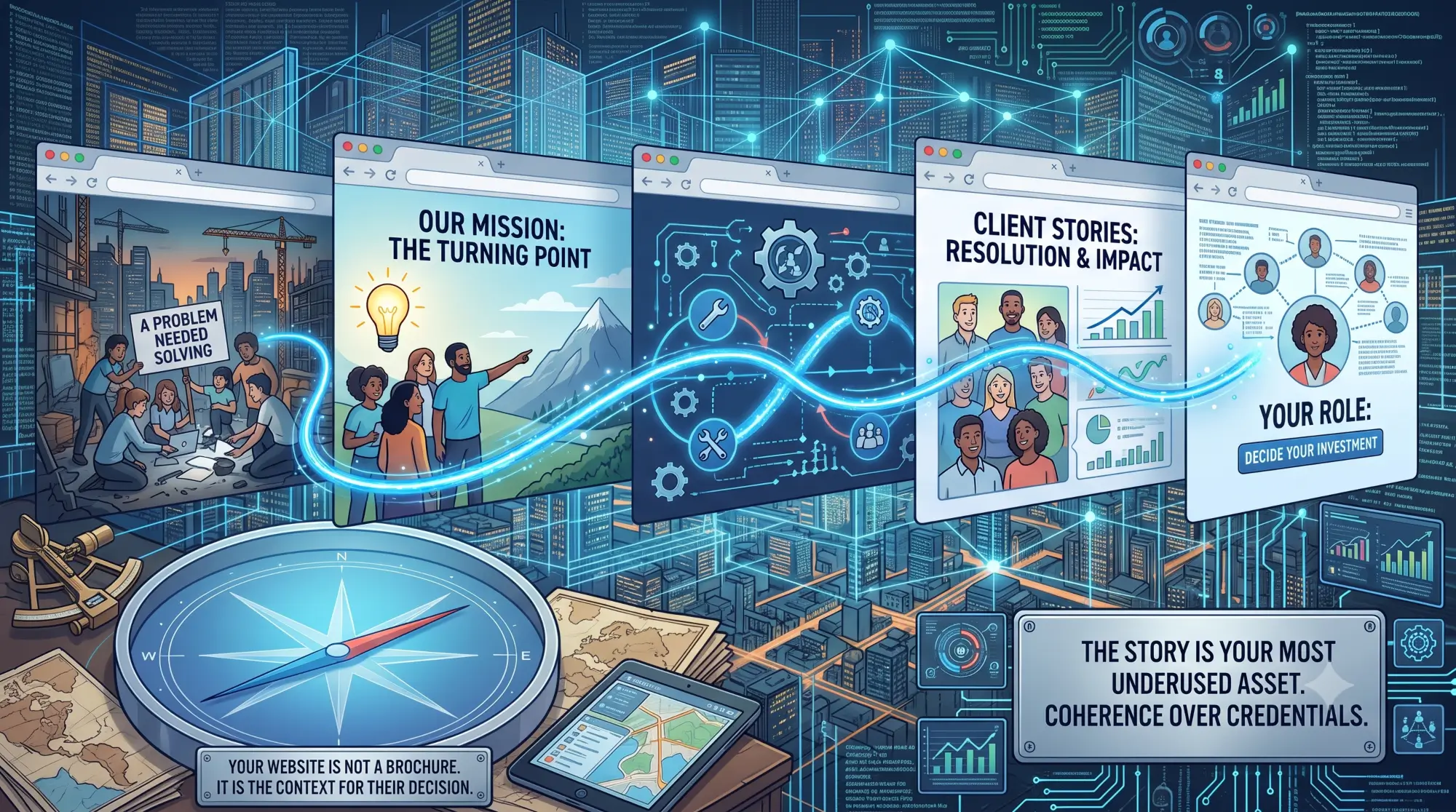
Most organizations begin a website project with content – what pages do we need, what do we want to say, what should the homepage look like. User scenarios are rarely part of that conversation. They should be the first part.
A user scenario is not a persona or a demographic profile. It is a specific, narrative account of how a particular visitor arrives at your website, what they are trying to accomplish, what they need to feel confident, and what they will do if they find it or cannot find it.
The distinction matters because a website that is built around what an organization wants to say is a fundamentally different artifact than one built around what a visitor needs to understand. Most institutional websites are the former. The ones that earn trust reliably are the latter.
When you write a user scenario for a funder evaluating your nonprofit before a grant decision, you start to notice things that no amount of internal review would surface. The path from the homepage to the programs page is longer than it should be. The outcomes section uses language your team understands but a first-time reader cannot interpret. The leadership page implies stability but does not demonstrate it.
None of these are design problems. They are structural problems that emerge from building the website for the organization rather than for the visitor. A user scenario surfaces them before they are built in.
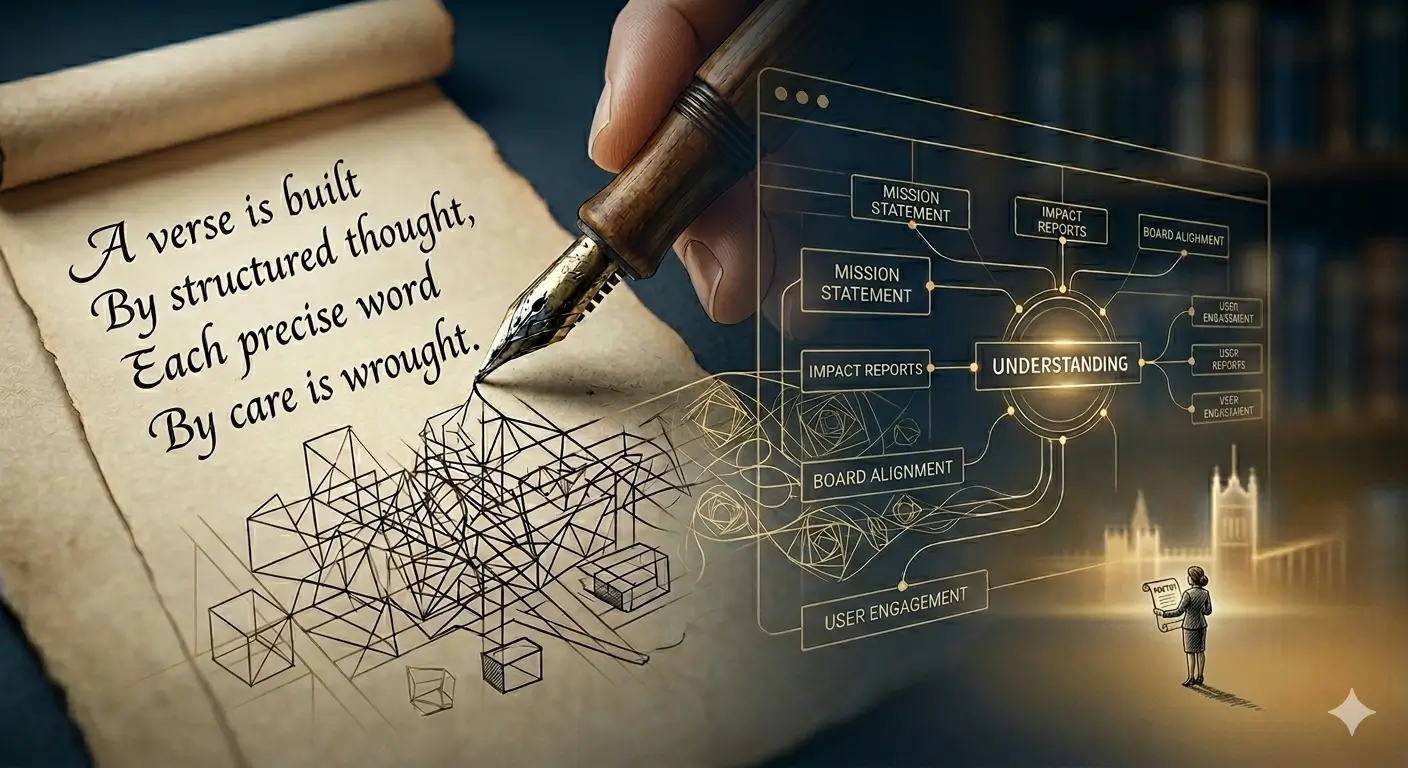
For museums, nonprofits, cultural organizations, and healthcare institutions, the visitors whose confidence matters most — funders, board candidates, institutional partners, prospective staff – are rarely the people who built the website. They arrive with their own questions, their own prior knowledge, and their own threshold for trust. User scenarios are how you build for them rather than for yourself.
The first-time evaluator is the visitor who has heard of your organization but has never engaged with it. They are researching privately, forming a first impression, and deciding whether to learn more or move on. For most institutional websites, this visitor determines whether the site is working.
The informed decision-maker is the visitor who already knows your organization and is returning to confirm something – a program date, a leadership name, a service description before sharing it with a colleague. If they cannot find what they need quickly, the site is failing a visitor who already trusts you.
The internal advocate is the person inside a partner organization, a foundation, or a board who is sharing your site with someone else to build the case for engagement. They are not reading your site for themselves – they are reading it to decide whether it will do the work for them. If the site cannot be forwarded with confidence, it is not doing its job.
Most websites are built for none of these visitors specifically. They are built for a general audience that does not quite exist.
User scenarios are not a deliverable that gets added to a project scope. They are a prerequisite that determines whether everything that follows is built on accurate assumptions.
An organization that skips this step typically ends up with a website that looks right but does not perform – one where the team is satisfied with the result but the visitors it was meant to serve are not finding what they need. Fixing structural problems after launch is significantly more expensive and disruptive than addressing them before a single page is designed.
If your organization is preparing for a website rebuild and has not yet defined who your site needs to work for and what each of those visitors needs to accomplish, that is the first conversation worth having – before vendor selection, before content review, before any design decisions are made.
“A satisfied customer is the best business strategy of all.” – Michael LeBoeuf.
Are you ready to create user scenarios that elevate your brand and grow your business? Let’s start the conversation today!
Personas describe who your visitors are – their demographics, roles, and general characteristics. User scenarios describe what a specific visitor does – the situation that brought them to your site, what they are trying to accomplish, and what happens if they succeed or fail. Personas give you a profile. Scenarios give you a test. Both are useful, but scenarios are what determine whether your website structure actually works.
Three to five is sufficient for most organizations. The goal is not comprehensiveness – it is coverage of the visitors whose confidence matters most. A funder evaluating your organization before a grant decision, a board candidate researching privately, and a community partner deciding whether to refer someone to your organization will surface most of the structural gaps that matter. Additional scenarios are useful if your site serves meaningfully different audience segments with different goals.
Before anything else. Before content, before design, before platform decisions. User scenarios define what the website needs to accomplish for specific visitors – which means every subsequent decision can be evaluated against a clear standard. Organizations that develop scenarios after the build typically discover structural problems that cannot be fixed without significant rework. The investment is small relative to what it prevents.

Frances Naty Go is the founder of Goldlilys Media, where she helps mission-driven organizations turn their websites into clear, durable systems that support meaningful work over time. She works with museums, nonprofits, health and wellness brands, higher education, life sciences, travel organizations, and expert-led businesses.
With a background in Computer Science from UC San Diego, Frances brings a thoughtful, strategic approach to building digital experiences that educate, orient, and build trust, without unnecessary complexity.
Questions first? Start a conversation